
Behind Every Great Mission Is a Team Ready to Serve.
Build stronger teams. Simplify scheduling. Help people serve with confidence. Bring volunteers, rotations, serving requests, check-in and volunteer hours together inside SimplyGiv.
 Made for the people who show up

The Work Is Important. the Logistics Shouldn't Get in the Way.
Who is serving this Sunday? Which team are they on? Have they confirmed? Who is available? Volunteer scheduling should not require spreadsheets, text-message chains, separate databases and constant follow-up.
From the First Assignment to the Last Thank-You.
A clearer way to organize serving from start to finish, without changing the people at the heart of it.
Organize
Create categories, positions, qualifications and volunteer teams.
Plan
Build serving rotations and complete volunteer schedules.
Invite
Send serving requests and track accept or decline responses.
Equip
Share service flow, resources, team notes and arrival details.
Recognize
Check volunteers in and log hours to their People profiles.
Build a Team with a Place for Everyone.
Create custom ministry and volunteer categories, define positions and the number of people needed, then connect volunteers from existing SimplyGiv People profiles. Assign qualified volunteers to positions and organize teams under the leaders who know them.
- Categories for ongoing ministries, services and events, with optional Event connection.
- Custom positions, staffing needs, volunteer qualifications and Active status.
- Custom teams, team leaders and volunteers assigned by position.
 Connected teams. Clear responsibilities.
Great Teamwork Has a Rhythm.
Plan recurring serving patterns that fit the way your church or organization operates. Create rotations, set start dates, assign teams and use rotations when filling schedules.
A familiar rotation. A more organized schedule.
Assign one or more teams to a rotation, then bring them into volunteer schedules when needed.
Illustrative rotation sequence, not a screenshot of the SimplyGiv interface.
One Clear View of Every Serving Moment.
Build schedules with dates, arrival and service times, locations, staffing needs, assignments and an Order of Service. Review Draft and Published schedules, open positions, pending responses and declines in the Schedule Center.
- Assign individuals, fill from teams or use serving rotations.
- See assigned versus needed volunteers by position.
- Open Schedule Details and edit schedules as plans change.
Greeting and welcome
Serving positions
Serving positions
You're Invited to Serve.
Give volunteers everything they need in a clear serving invitation, with a way to respond directly.
Illustrative content; does not send an actual request.
No More Wondering Who's Confirmed.
Send serving invitation emails showing the schedule, date, volunteer arrival time, service time, location, check-in information, category, position and scheduler. Volunteers can Accept, Decline or View Full Schedule, while leaders track pending, accepted and declined assignments.
- Send or resend serving requests from an assignment.
- View responses and notification status within Schedule Details.
Let Serving Feel Simple, Even When Life Is Busy.
Volunteer management should work for the people giving their time, not just the people making the schedule.

Show up prepared.
Serve with confidence.
Assignments & Requests
Review upcoming assignments, requests and detailed serving information.
Blockout Dates
Record dates when you are unavailable to serve.
Self-Service Options
Find replacements, trade schedules and browse open positions.
Everything in One View
See service flow, team details, resources, notes and message a team leader.
Manage Serving access uses email authentication and an emailed verification code; volunteers can add accepted assignments to their calendar.
See the Service. Recognize the People.
Check volunteers in from the schedule so leaders know who actually served. Log volunteer hours by person, date, activity or role, with optional notes, and keep those hours connected to their SimplyGiv People profile.
- See check-in status on volunteer assignments.
- Record service hours and view totals back in People.
- Maintain a connected record of volunteer involvement.

People First. Every Serving Detail Connected.
Volunteers already have a place in your organization. SimplyGiv Volunteer Management connects their positions, team assignments, serving involvement and logged hours to existing People profiles, as part of the broader SimplyGiv platform for giving, events, forms and communication.
Made for Every Way Your People Serve.
Worship Teams, in Harmony.
Build a worship ministry category, assign qualified people to positions, set recurring rotations and share the Order of Service before Sunday arrives.
Teams + rotations + service flow
Kids Ministry, Organized.
Define volunteer positions, staff each schedule according to need, and share training resources and leader notes for upcoming service times.
Roles + staffing + resources
A Warmer Welcome Begins with a Prepared Team.
Organize hospitality positions, invite volunteers to serve, track responses and share arrival and check-in details before doors open.
Invitations + arrival details
Whatever the Event, Everyone Knows Their Place.
Link a volunteer category to an event when needed. Build staffing requirements, fill open positions and provide the order and resources for the day.
Events + assignments + service flow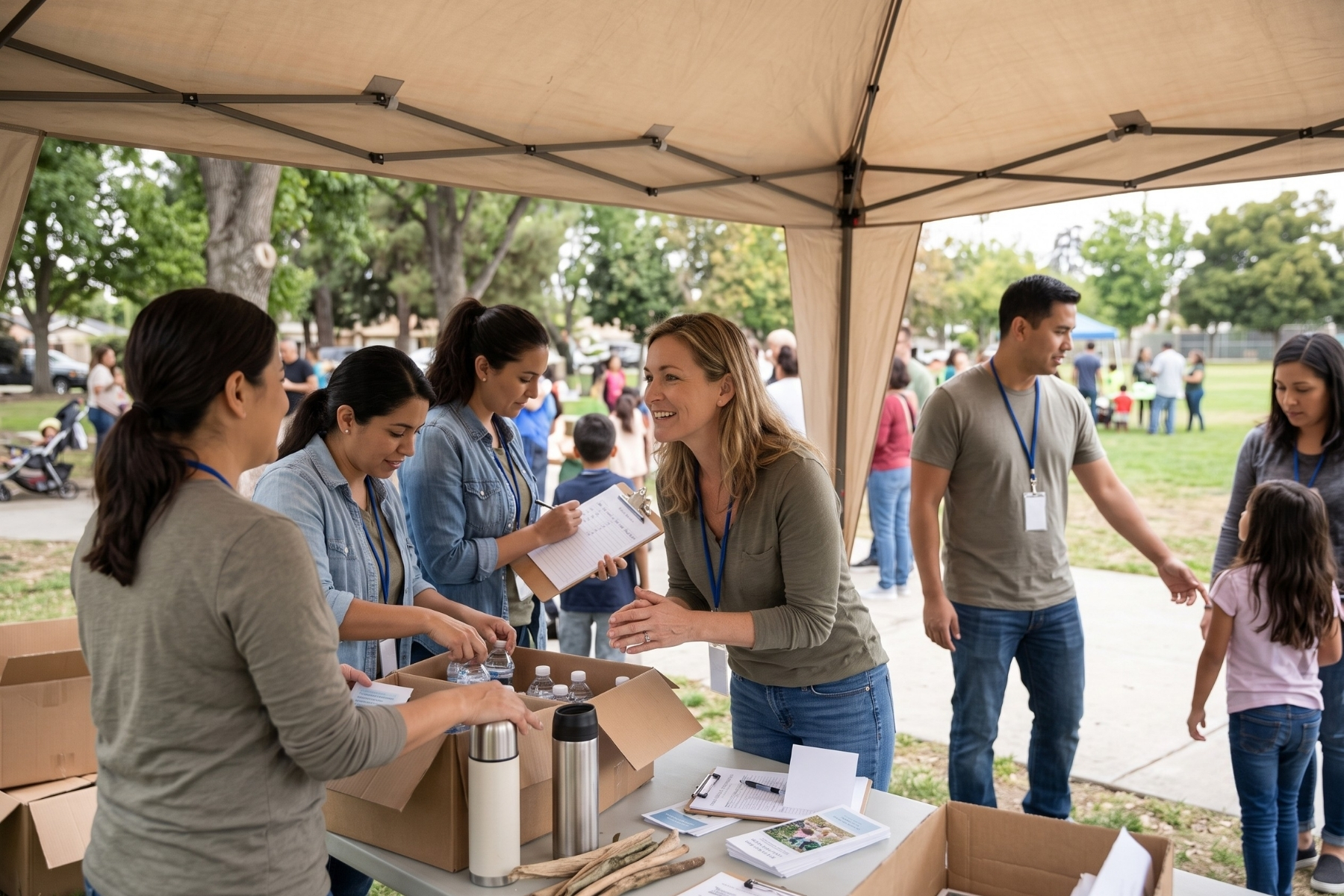
Make More Room for the Mission.
Keep nonprofit volunteer schedules, requests, check-ins and hours organized so the people supporting your cause feel prepared and appreciated.
Volunteer service + hours
A Little More Clarity.
Can we schedule volunteers for recurring Sunday services?
Yes. SimplyGiv supports weekly, every-other-week, first-Sunday-of-the-month and custom serving rotations. Teams can be assigned to rotations and used when filling schedules.
Can volunteers accept or decline their serving requests?
Yes. Serving invitation emails include Accept and Decline actions. Leaders can track Pending, Accepted and Declined statuses in Schedule Details.
How do volunteers access their serving information?
Volunteers can open View Full Schedule from an invitation and verify their email with an emailed code. They can then access Manage Serving to view assignments, requests and other serving details.
Can volunteers record unavailable dates or request changes?
Manage Serving includes Blockout Dates and self-service options to find a replacement, trade schedules, message a team leader and browse open positions.
Can we track volunteer hours and actual participation?
Leaders can check volunteers in from a schedule and log hours using the serving date, hours, activity or role, and optional notes. Logged hours connect to SimplyGiv People profiles.
Does Volunteer Management connect to existing member profiles?
Yes. Volunteers can be added from existing SimplyGiv People profiles, and their volunteer positions, team assignments and logged hours remain connected to those records.
Spend Less Time Scheduling. More Time Serving People.
From building teams to sharing resources, managing check-in and recognizing volunteer hours, SimplyGiv brings the serving experience into one connected place.
Schedule a SimplyGiv Demo